
Consider one of the simplest and most common methods of animating SVG images – CSS animation. If you need to create basic visual effects, such as changing color, scaling, rotating or moving objects, then they will definitely suit you because these effects are simple and easy to implement. CSS animations are a reliable tool in the arsenal of a web developer because they are supported by all browsers and provide high performance.
So let’s take a look at how CSS animations work, how they work with SVG animation, and how to use them properly to achieve flawless results in web development. If you want to learn about all 5 SVG methods, we have a separate article on our blog.
The basics of CSS Animation
Gradual CSS animations allow CSS property values to change. This can be implemented using key frames (@keyframes). They define the initial and final states of the animation and the intermediate states between them.
Code example
@keyframes scaleAnimation {
  from {transform: scale(1);}
  to {transform: scale(1.5);}
}

svg {
  animation-name: scaleAnimation;
  animation-duration: 2s;
  animation-iteration-count: infinite;
}
The code above causes the SVG image to smoothly resize from its original state to its enlarged state and back again.
CSS properties for animations
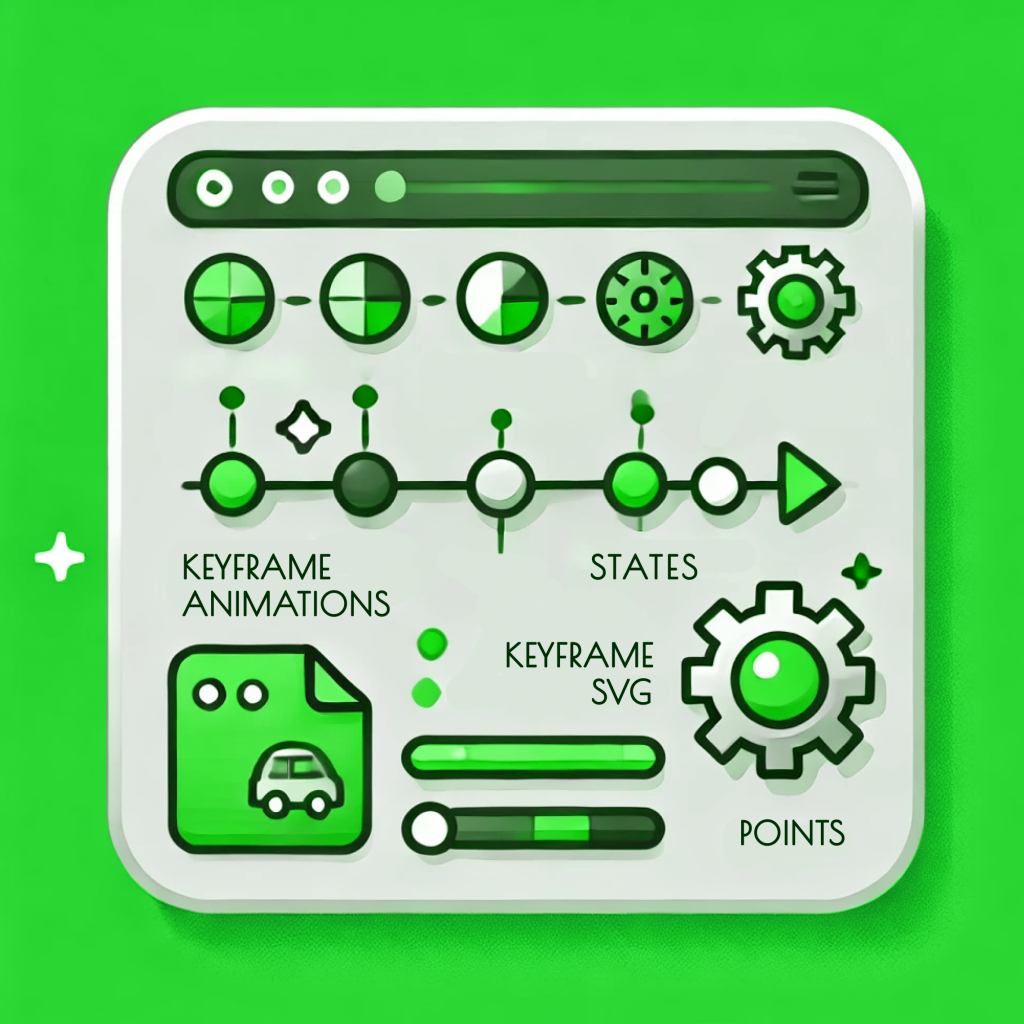
Various CSS properties can be used to animate SVG. For example:
- fill and stroke: Change the fill and stroke color of elements.
- d (for path elements): Changes the shape of the curve.
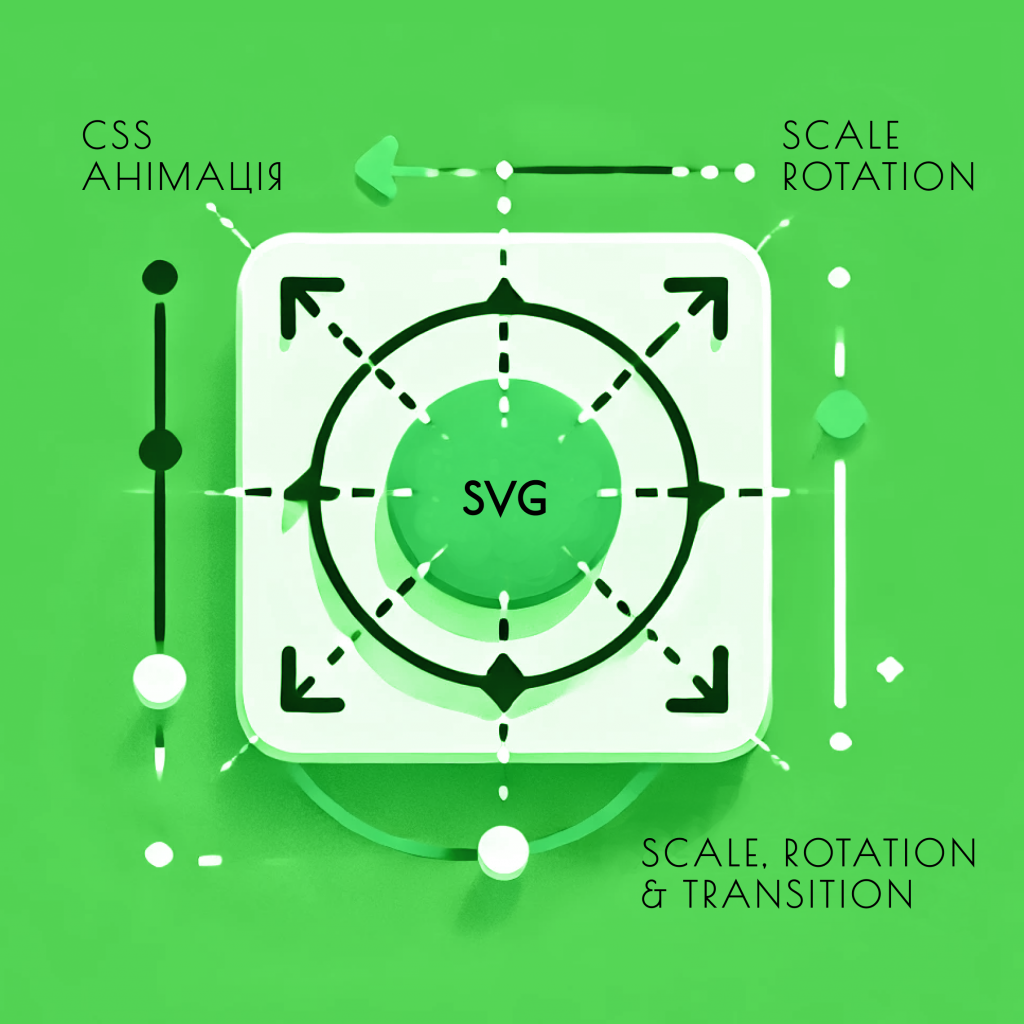
- transform: Changes the scale, rotation, tilt, or movement of elements.
- opacity: Changes the transparency of elements.
Key frames (‘@keyframes’)
Key frames determine how the CSS properties of elements change during animation. For example, a more complex animation combining several effects.
Code example
@keyframes complexAnimation {
  0% {transform: translateX(0) rotate(0); opacity: 1;}
  50% {transform: translateX(50px) rotate(180deg); opacity: 0.5;}
  100% {transform: translateX(0) rotate(360deg); opacity: 1;}
}

svg {
  animation: complexAnimation 4s infinite;
}
The code above causes the SVG element to move along the X axis, rotate, and change transparency in a loop.
Advantages of CSS animations for SVG
Speed of implementation and simplicity
CSS animations are easy to use, especially for developers who already have knowledge of CSS. These animations do not require additional libraries or complex settings. All you need to do is add the appropriate code to the file. Our developers have all the necessary knowledge to realize your ideal site and the animations you like.
High level of productivity
Work with CSS animations is performed in the browser, which in turn reduces the load on the server and speeds up the site. Most modern browsers contribute to the optimization of CSS animations in the form of smooth transitions and fast processing.
Cross-platform
All modern browsers support CSS, making them a reliable choice for web developers. It doesn’t matter what your users are working with. Whether it’s the latest version of Chrome, Firefox, Safari or Edge, CSS animations will work flawlessly.
Changes and easy support
Animations created with CSS are easy to maintain and update. You can quickly make changes to the style code, which makes this method flexible and adaptable.
Disadvantages and limitations of CSS animations
Like any tool, even one as powerful as CSS animations has its limitations. For example, more complex animations, such as animations based on user events or synchronizing multiple animation elements, may require additional tools such as JavaScript.
CSS also has limited capabilities for working with timelines and sequences, which in turn can limit the complexity and duration of animations. In specific situations like this, JavaScript or specialized libraries like GSAP may be a better choice.
Examples of using CSS animations in web development
Logo animation
One of the popular methods of using CSS animations is creating logo animations. For example, the company logo appears smoothly when you enter the page or changes color when you move the mouse cursor over it.
Code example
@keyframes logoAnimation {
  from {transform: scale(0); opacity: 0;}
  to {transform: scale(1); opacity: 1;}
}

#logo {
  animation: logoAnimation 1s ease-out;
}
Animation of icons
SVG icons can be animated using CSS to create interactive user interface elements. For example, when the user interacts with the menu icon, it can rotate or change color.
Code example
@keyframes menuIconAnimation {
  from {transform: rotate(0deg);}
  to {transform: rotate(90deg);}
}

.menu-icon:hover {
  animation: menuIconAnimation 0.5s forwards;
}
Button animation
Dynamic button effects, such as zooming in on click or changing color on hover, can also be achieved using SVG graphics.
Code example
@keyframes buttonHoverAnimation {
  from {transform: scale(1);}
  to {transform: scale(1.1);}
}

.button:hover svg {
  animation: buttonHoverAnimation 0.3s forwards;
}
Optimization of CSS animations for SVG
Using Hardware Acceleration
Will-change is a property that provides smooth animation. It tells the browser that certain properties of the element will change and allows them to optimize their processing.
Code example
svg {
  will-change: transform, opacity;
}
Reducing the use of key personnel
To create a simple animation, you can reduce the use of key frames by applying CSS properties such as transition. This allows you to reduce the amount of code and improve performance.
Code example
svg {
  transition: transform 0.5s ease-in-out;
}

svg:hover {
  transform: scale(1.2);
}
SVG animation with CSS – conclusions
If you’re looking for a powerful yet easy-to-use tool for animating SVG images, then CSS Animations is just what you need. It is about high performance, cross-platform and ease of implementation, these factors make them an indispensable tool in web development. However, don’t forget the limitations, especially when it comes to complex animations that require more flexible control.
CSS animations can help you achieve the desired result with minimal effort, whether you’re creating a simple hover effect for an icon or an animation for a company logo. You can improve the user experience and make your web projects more dynamic and attractive if you use this tool correctly.
SVG animation by SELECTOR.SPACE
Our team consists of highly qualified specialists who perform their work at the highest level. We listen to all the wishes of our customers and make sure that our product is of high quality. To order website development, contact us at 066 389 02 24, 096 81 00 132, or office@selector.space. We also offer ready-made solutions. We will be happy to help you realize your ideal website ideas.