Imagine a large corporation. It has dozens of branches. Now, each branch is a separate “state” with its own accounting staff, lawyers, and separate systems. An administrative nightmare, right? The same thing happens in the world of website development when a business or organization needs to manage multiple web resources. Separately created platforms mean bloated budgets, fragmentation, and wasted support time. And this is where our hero comes in, Multisite. Not just a technology, but a strategy. A strategy for control, efficiency, and scaling. Are you ready to stop putting out fires on dozens of sites and start running an empire? Then this is the place for you.
What is a multisite?
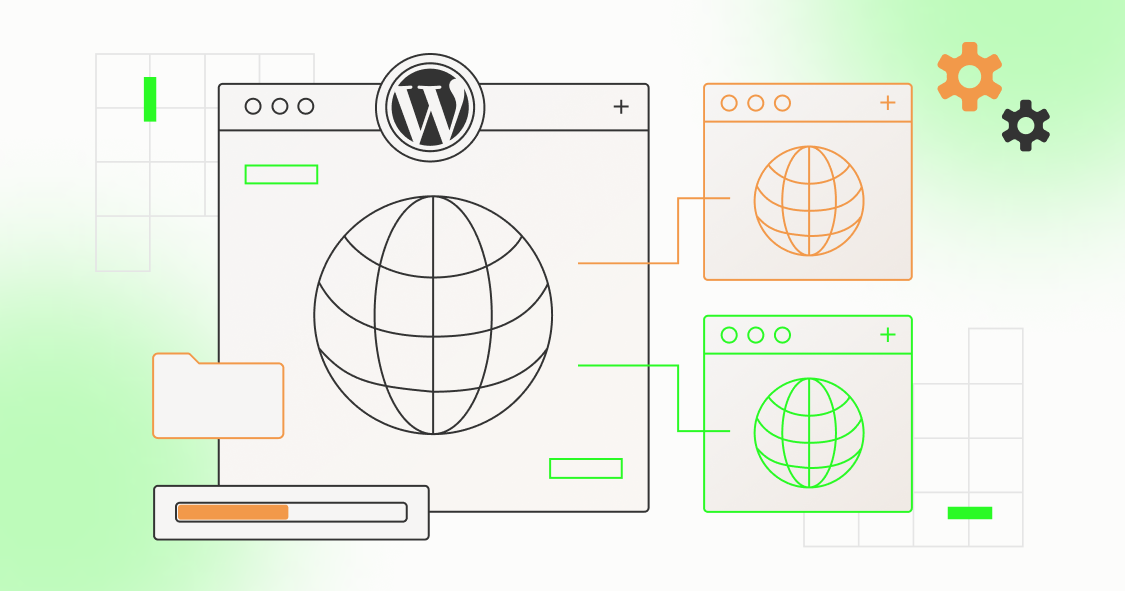
Forget the stereotype that a website is always a lonely island. A multisite is an architectural solution that allows you to manage an entire network of full-fledged, independent sites from a single console, based on a single CMS installation (most often WordPress). Imagine a powerful root (the core of the system) and many branches (individual sites) that are powered by it, but bloom in their own way. This is what a multisite is.
- Single core: one database (or logically separated), one CMS installation for the entire network.
- Multiple sites: each site in the network is an independent unit. Its own domain/subdomain, its own users, its own unique content, its own website design.
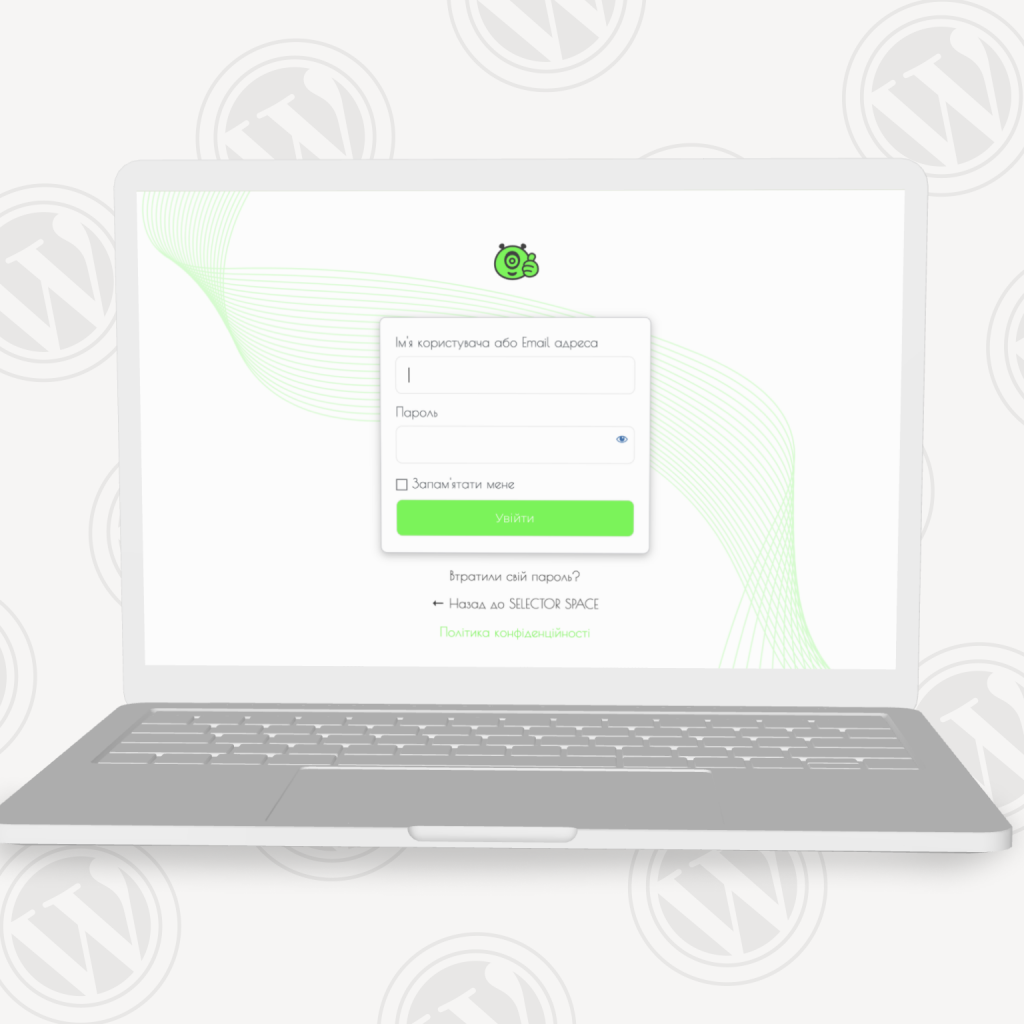
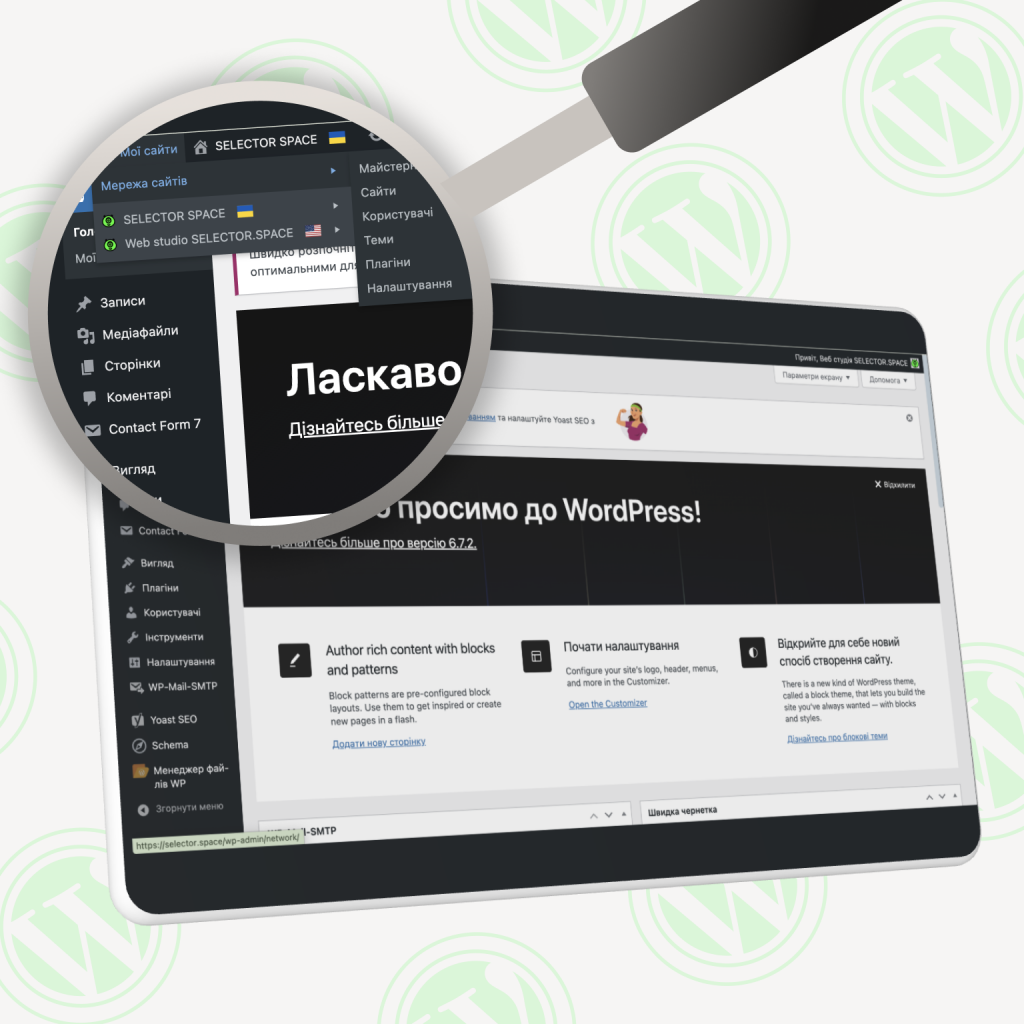
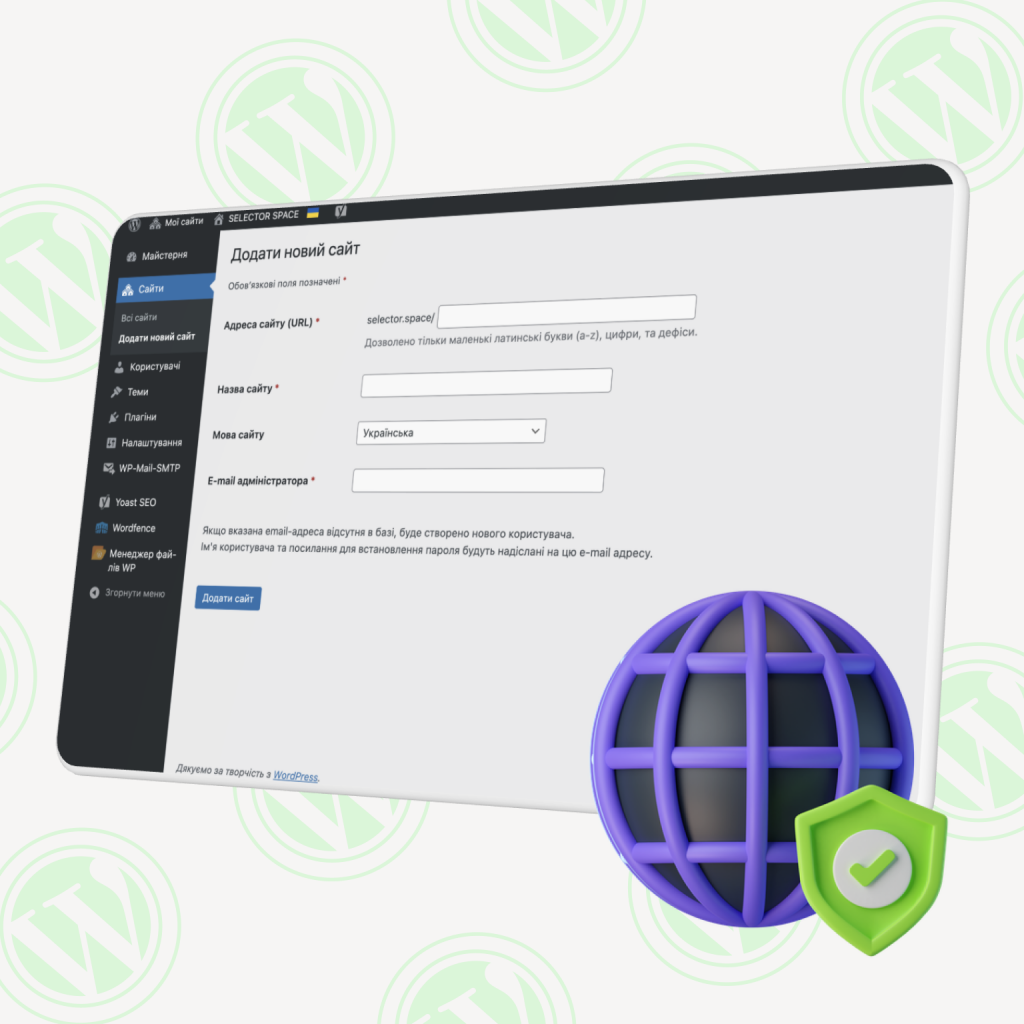
- Control center: an administrator from one panel works wonders. He creates new sites, manages users, installs/updates themes and plugins for all or individually, controls the “pulse” of the entire infrastructure. Creating websites for new network branches is a matter of minutes, not hours.
The benefits of multisite: why it’s a profitable strategy
This is where multisite comes into its own, bringing real benefits to your business and team:
- Savings that are tangible.
- Money (hosting): one installation = less server resources = real savings on hosting compared to a bunch of individual installations.
- Time (administration): updating the core, themes, plugins, once for the entire network. Imagine: 30 sites. 30 separate WordPress or security plugin updates? On a multisite, it’s just one operation.
- Time (development): support for one code base instead of dozens. Changes at the kernel level are automatic for everyone. The efficiency of the web development team increases significantly.
- Control and standardization.
It is easy to add sites, appoint administrators (limiting their rights), implement corporate security standards, site design (through a common or child theme), functionality (common plugins). - Commonality + Flexibility = The perfect duo.
- Themes: a basic brand theme for everyone + the freedom to customize for each site (child themes). Or different themes for different types of sites on the network (landing page, blog, catalog).
- Plugins: powerful solutions are installed once at the network level and activated where needed. Consistency, time-saving configuration, quality control.
- Resources: shared media library, easy asset sharing.
- Scaling without pain.
Require a new website for a franchise, region, or product? Create a website in the existing network with a few clicks in the admin panel. The speed of launching new points of presence is your competitive advantage. - Synchronization in SEO.
The use of networked SEO plugins allows you to centrally set key settings (meta, OpenGraph, XML Sitemap templates) for all sites, laying the foundation for consistency. Remember: deep SEO content optimization remains individual for each branch. A website is your face, but each face is unique. - Common audience.
The ability to have a single user base with different access to network sites, ideal for internal portals, clubs, academies.
Disadvantages of multisite: know the risks in advance
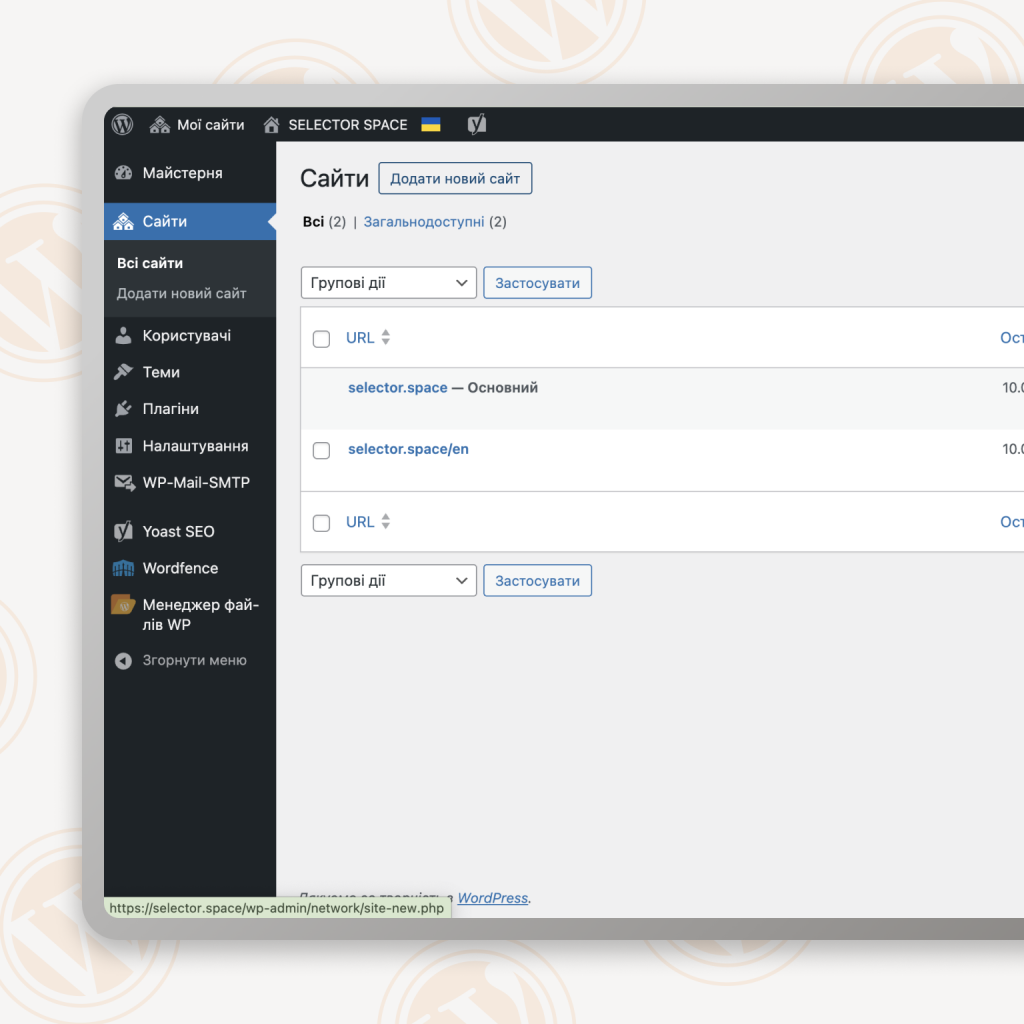
There are no ideals. Multisite is a powerful tool, but it requires understanding of its “dark” sides:
- Difficulty of implementation and support: the initial setup (especially the conversion of an existing site) is at the level of Senior Dev/Admin. Mistakes are expensive. Deep knowledge of servers, networks, and databases is required. The stages of creating a network site require careful planning of the architecture. Not for beginners.
- “Single point of failure”: a critical error in the kernel, a common plugin, or on the server? Goodbye, the whole network at once. Reliable hosting and flawless backups are out of the question. The price of the issue is reputation.
- Restrictions for “rebels”:
- Plugins: if a plugin is not networked or conflicts, it is difficult to implement it on only one site without risking others. Super-admin controls accessibility. Web design is often deeply tied to the functionality of plugins.
- Themes: the admin of a particular site may not have the rights to install a new theme on their own. It depends on the network policy. For sites that require a radically unique design, this can be a deterrent.
- Technology: all sites are “hostages” of one version of PHP/Database. This can be a problem for very specific old projects. Therefore, such a site needs constant professional support.
- Migration is a challenge: it is much more difficult to move a separate website from the network to an independent hosting (or vice versa) than a regular website. Plan for the long term.
- Super-admin responsibility: this role is not a privilege, but a burden. One mistake is an issue for everyone. Requires high qualifications and responsibility.
- Competition for resources: A “heavy” site with a lot of traffic can interfere with the performance of its neighbors on the network. You require a powerful, optimized server and monitoring.
Multi-site application: where is it best?
This architecture is not a panacea, but the right solution for specific scenarios:
- Corporations and large organizations:
- Main site + departmental sites (HR, Marketing, R&D).
- A network of regional offices/branches (each with local content).
- Internal portals (for different departments/languages).
- Franchise networks: central franchisor’s website + individual franchisee websites (unified brand book + local content). Creating websites for new partners is a snap.
- Education: university website + websites of faculties, institutes, student councils, projects.
- Media holdings/blog networks: main portal + separate sites/sections by topic (news, analytics, blogs) or language. Centralized management of content and plugins (subscriptions, advertising).
- Web agencies: to manage client sites (especially those with similar technical needs), simplifying updates and support. Requires crystal clear SLAs and data separation.
- Niche communities/projects: a network of blogs on related topics under one “roof” with shared resources.
Life hacks from SELECTOR.SPACE: using a multisite to the maximum
Many years of web development of complex systems have taught us that a multisite loves order and professionalism. Here are our “golden” rules.
A plan is 80% of success: do not jump into the water without checking the depth
Define it clearly:
- The composition of the future network (types of sites, their purpose).
- Domain architecture (domains, subdomains, directories, impact on SEO).
- Shared vs. Individual resources (themes, plugins). Use child themes!
- The structure of the database.
Hosting is your foundation
Don’t skimp! A website is an investment. A multisite is especially so. Choose a professional WordPress hosting with optimization for multisites: powerful hardware (SSD, many cores/RAM), Nginx/PHP-FPM, server caching (Redis, Varnish), technical support that understands multisites. Your network is worth it.
Security is not a place of compromise, but the number one priority
- Updates (core, themes, plugins), automatic + monitoring.
- Powerful network security plugins (Wordfence, iThemes Security Pro) are a must.
- Strong passwords + 2FA for all admins, especially super-admins. Minimize their number.
- Daily backup of the entire network (files + database) to a separate server/cloud. Test the recovery!
Speed is conversion: optimize constantly
- Server caching (Varnish, Redis) + cache plugins (WP Rocket for networks).
- Image optimization (Smush Pro, ShortPixel).
- Minimize/merge CSS/JS.
- CDN for static is a must.
- Regular performance audit of each site (GTmetrix, PageSpeed Insights).
Choose “network” plugins
Before integrating, make sure that the plugin fully supports multisites (Network Activated, network settings). This will prevent future headaches.
Clear roles, a clean code
Super-admin is sacred. Restrict access. Set up roles so that the admins of individual sites have enough freedom to work, but cannot “blow up” the network. Define rights at the stage of creating a website on the network.
Document everything
Architecture, settings, passwords (in the manager), backup/restore procedures, solutions used. This is your insurance and instructions for new team members.
SEO for the web: individuality + system
- Content is king: no duplication between sites! Search engine penalties are inevitable. Each content is original and valuable for its own purpose.
- Technical base: network SEO plugins (Yoast SEO Premium, Rank Math Pro) for centralized settings (XML Sitemap, Robots, Open Graph). But SEO optimization of meta tags, content, links is individual for each site.
- URL structure: subdomains (often perceived as more independent). Choose consciously.
- Linking: logical connections between websites (where it makes sense) increase authority. No spam!
Don’t create a multi-site “just in case”
If you have one website now and maybe someday you will have another one, start with separate installations. Converting an existing website to the web is riskier than starting from scratch. Multisite, for current needs for several sites.
A strategy to control your web empire from SELECTOR.SPACE
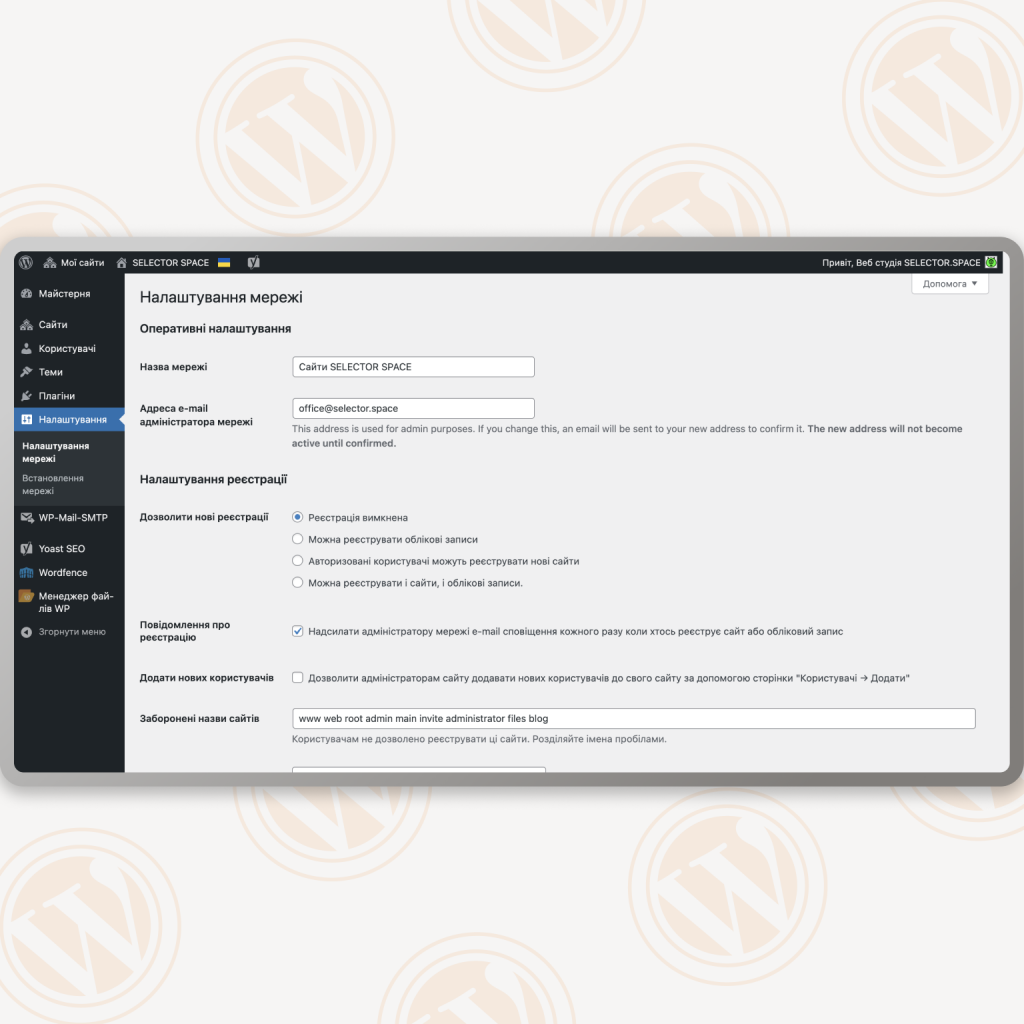
Multisite is not a feature. It is your competitive advantage in managing a multi-voice presence. When you manage a network instead of a website, it’s an architecture that turns complexity into elegant control. It’s not a one-size-fits-all solution, but when you have it, you get a baton for a symphony of resources.
This architecture is your ally if:
- Your landscape is a network of sites: you manage multiple resources on a single platform (e.g., WordPress).
- Centralized control is your mantra: you want to manage updates, themes, plugins from a single console.
- Non-stop resource optimization: you value reducing hosting costs and freeing up IT resources for strategies, not patches.
- Scaling is in the business code: you plan to quickly launch new sites (branches, products, brands) in a single ecosystem.
- An expert alliance is your backup: the stability of a multisite relies on the professionalism of SELECTOR.SPACE partners.
Consider alternatives if:
- Your focus is on one complex project (for example, a high-load online store).
- Technological diversity is a must (sites on different engines/with unique requirements).
- Absolute isolation is non-negotiable (each resource should be a technologically autonomous fortress).
- No expert support (no team for proactive architecture support).
Multisite: a strategic value
A multisite gives you three pillars of strength:
- Control without compromise: Manage all resources from a single center.
- Scale without pain: launch new sites in minutes without creating technical debt.
- Tangible efficiency: Reduce hosting and administration costs by 30-60%.
Do you want to order a website? Our specialists have extensive experience and understanding of all the important factors. Don’t hesitate to contact us, we will be happy to help you and provide advice. Find more interesting posts in our blog. You can contact our digital agency by phone at 066 389 02 24, 096 81 00 132, or by email at office@selector.space.
Follow us on Instagram, Facebook, TikTok, YouTube, and Pinterest.