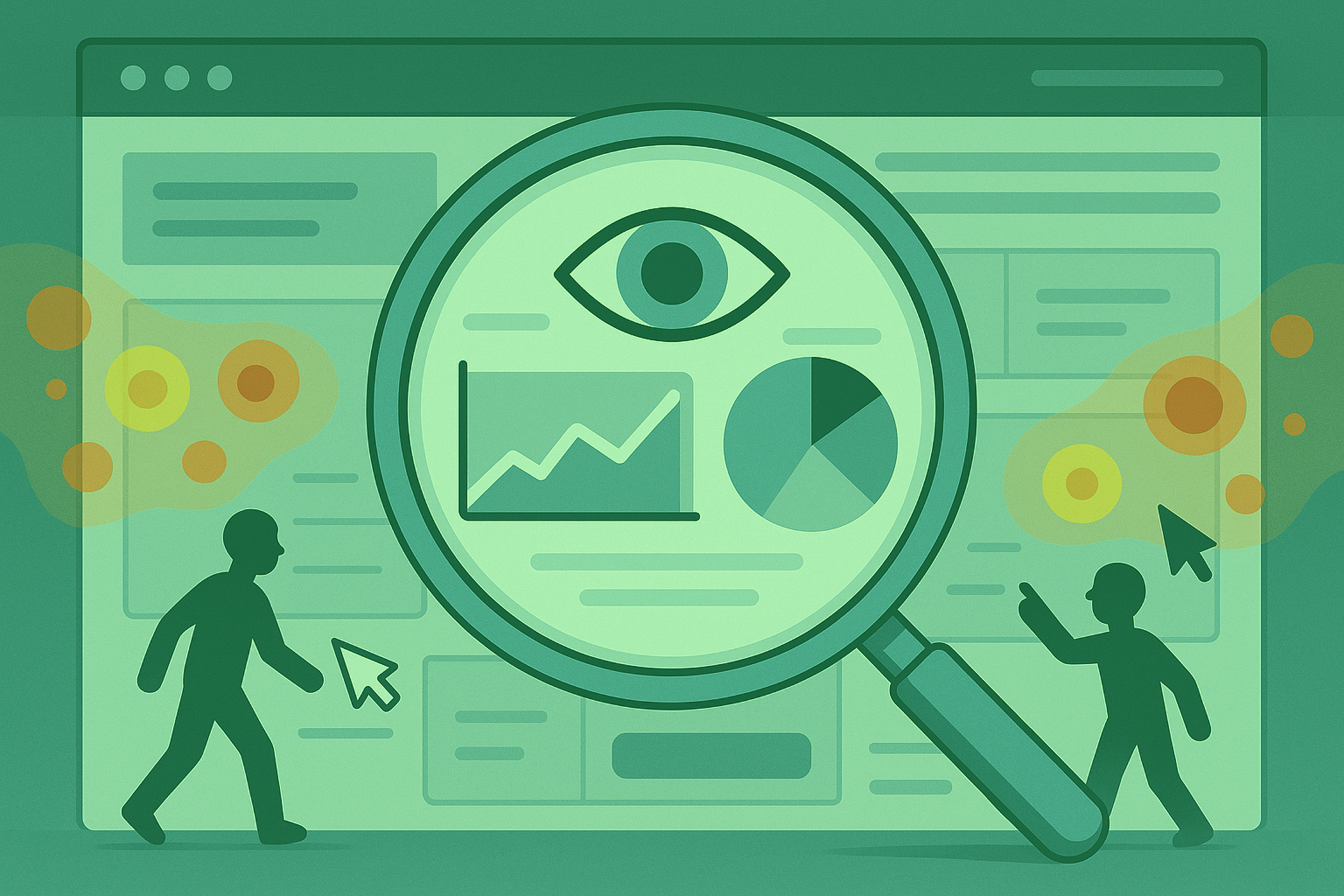
Have you ever wondered what people are doing on your website? No? Well, you should. That’s where you’ll find a wealth of answers to your questions. For example, you can see how many times users clicked on the “Buy” button. But do you know how many people scrolled down to that button, thought about it, and then simply closed the tab? Have you seen how visitors move their cursor around the screen, trying to find what they need? That’s exactly what Microsoft Clarity is for.
Clarity is not just another analytics tool. It’s your personal detective that lets you see your website through the eyes of your customers. Forget about graphs and numbers for a moment. Imagine that you can sit behind every visitor and watch their actions. That’s exactly what it does.
What is Clarity, and what is it not?
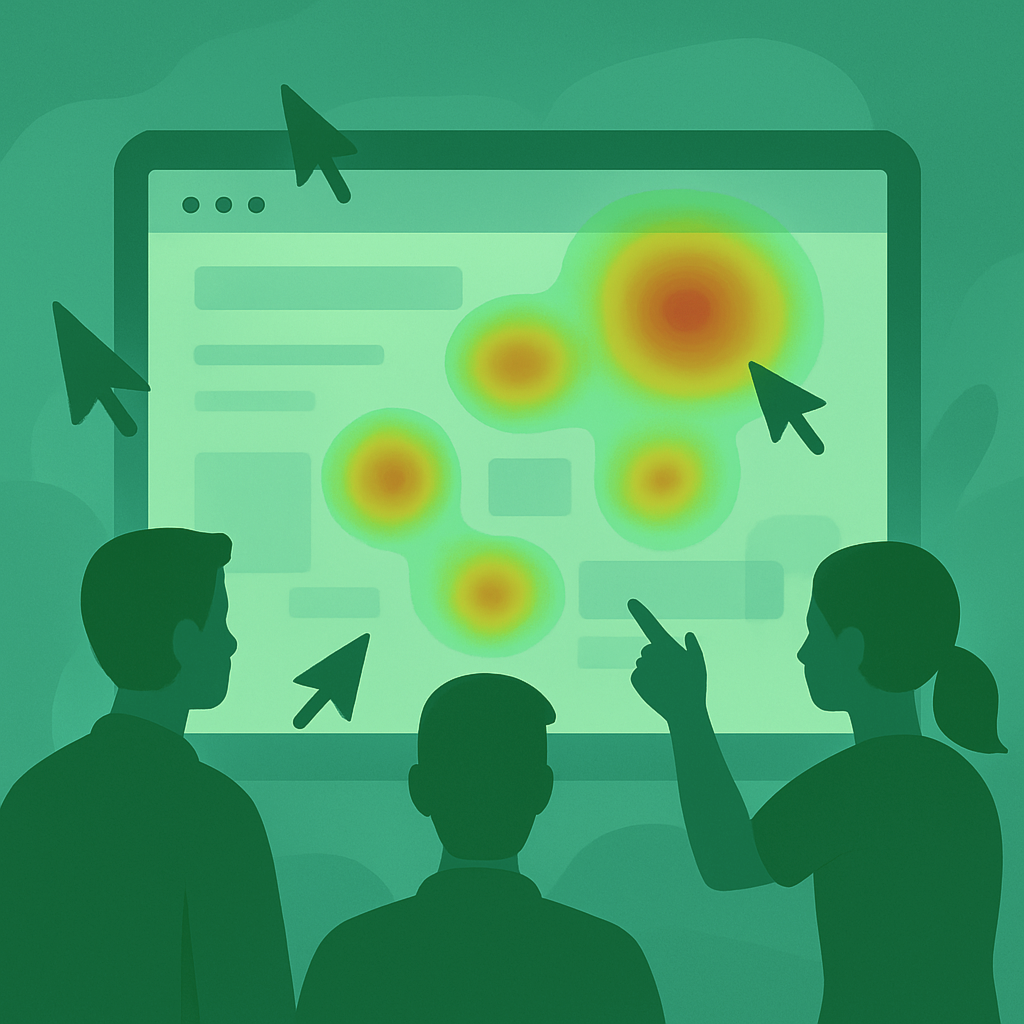
Simply put, a website is not just a business card or a store; it is a living organism that interacts with people. Clarity is a free tool from Microsoft that records user visits and shows them to you in the form of session recordings and aggregated heatmaps.
Let’s take a closer look. Clarity does not replace Google Analytics. They complement each other perfectly. Analytics answers the question “What happened?”, while Clarity explains “Why it happened?”.
Two analytics tools: session recordings and heat maps

- Session recordings: the reality of your website.
You watch a recording of a real person using your website. You see every mouse movement, every click, every scroll. This is not a video recording of the user’s screen, it is a replay of their actions on your website. - Heat maps: a glimpse into society.
If session recordings are individual stories, then heat maps are sociological surveys. They aggregate data from thousands of visits and show where people clicked (click map) and how far they scrolled down the page (scroll map). A heat map is a powerful website analysis tool. It instantly shows you what works and what doesn’t, without having to review hundreds of records.
How Clarity works in practice: from idea to result
Let’s walk through the entire life cycle. Imagine that you have decided to order a website for your business. Let’s look at how Clarity integrates into each stage.
- At the planning stage: getting to know the goals.
Before web development begins, you and your digital agency define the goals: what should the website do? Sell? Collect applications? Inform? These goals will become benchmarks for analytics in Clarity. You will focus not on abstract “likes/dislikes,” but on specific metrics: does the user reach the “Order” button? - After launch: the first days.
Your new corporate website is now live. The first few weeks are the golden time for collecting data in Clarity. Now you get clean, untainted data on how real users interact with the new interface. You can uncover hidden bugs that testers missed. This allows you to make quick adjustments without waiting months. - During operation: continuous improvement.
No website should be static. The world is changing, and so are users. Clarity becomes your tool for continuous upgrades. You analyze your competitors’ websites (if you have access to their data, of course), and then analyze your own websites. You add a new block to the home page, a heat map will show in a few weeks whether people are paying attention to it.
Understanding how the stages of website creation work helps you realize that launch is not the finish line, but the starting line.
Clarity and SEO: two powerful mechanisms of one machine

Many people believe that SEO optimization is just about technical aspects: loading speed, correct headings, tags. But that’s only part of the truth. SEO optimization also involves working with behavioral factors.
Search engines such as Google track very closely how users behave on your site after clicking on a search result. If people quickly return to the search results (this is called “bounce”), it signals to the system: “They didn’t find what they were looking for on this site.” This negatively affects your ranking.
Here’s how Clarity helps with SEO promotion of your website:
- Reducing bounce rate. By identifying the reasons why people immediately leave your website, you can eliminate them. Perhaps the page title is misleading, or maybe the website loads very slowly on mobile devices. Clarity will help you see this.
- Increase viewing depth. If people stay on the site longer and visit more pages, this is a positive sign. By analyzing scroll maps, you can understand what content “draws in” and holds attention, and create more of it.
- Improve relevance. A user searched for “how to choose a bike,” clicked on your article, but then started clicking on unrelated products. This may mean that the article does not fully answer their query. You can supplement it.
Thus, SEO promotion of websites without analyzing user behavior is only half the job. You can attract traffic, but if the website cannot retain and convert it, all your efforts will be in vain. SEO promotion and Clarity are a perfect match.
Who can benefit most from Clarity?

The answer is simple: anyone who has a website. But there are a few categories worth highlighting.
- Online store owners. For you, every click is potential money. Clarity will help you understand why people add items to their cart but don’t complete their orders. This is invaluable information.
- Marketers and business owners. You are responsible for conversion. You will see not “30% bounce rate,” but real stories of people who couldn’t find a phone number or got lost in complicated navigation.
- Designers and developers. This is your direct confirmation that your decisions are working. Instead of arguments based on subjective preferences, you get objective data on usability. This is invaluable when creating websites.
- Content managers. You will see which articles are read to the end and which are not. Which headlines attract attention, after which blocks people leave the site.
It doesn’t matter what type of website you create: a landing page, blog, online store, or large portal. There is room for improvement everywhere. Creating a website is just the beginning. Promoting websites and constantly improving them is a never-ending process that makes your resource successful.
How to get started with Clarity?
The best thing about Clarity is its accessibility. It’s free and takes 5 minutes to set up.
- Register on the clarity.microsoft website using your Microsoft or Google account.
- Add a new project (this is your website).
- Copy a small piece of code (as in Google Analytics) and paste it into your website’s markup before the closing tag. You can do this yourself or ask a developer to do it for you.
- In a few hours, when the first visitors come to the site, you will already see the first records and start forming heat maps.
No complicated setup, no payments. This makes it an ideal tool for both large companies and small businesses that are just starting their journey on the Internet.
In conclusion
When you start using Clarity, you begin to see your website with completely different eyes. You move away from the role of creator and become an observer. And this is the most valuable insight.
The numbers in Analytics are a diagnosis. The records in Clarity are a medical history that allows you to understand the causes and prescribe the right treatment. It is a tool that turns assumptions into facts and subjective opinions into objective decisions.
So if you are serious about what you have created, if you want your website to be more than just a set of bytes, but an effective business tool, be sure to try Clarity. This is a case where a free tool delivers results that pay for hundreds of hours of work.
Would you like to order a website or get good analytics for an existing one? Our specialists have extensive experience and understanding of all the important factors. Please contact us. We are the SELECTOR.SPACE team, and we will be happy to help you and provide advice. More interesting publications can be found on our blog. You can contact our digital agency by calling 066 389 02 24, 096 81 00 132 or by emailing office@selector.space.
You can also follow us on Instagram, Facebook, TikTok, YouTube, and Pinterest.