
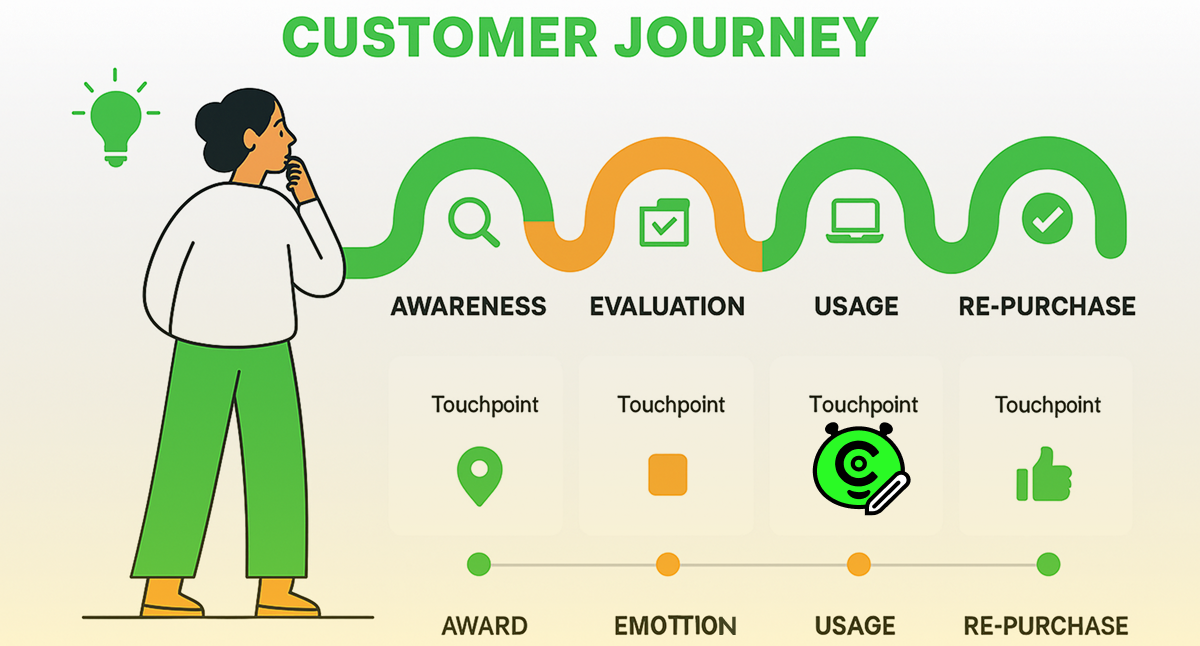
To create a truly effective website, it is not enough to simply make it technically flawless. The key is to understand your customer’s journey (conduct a User Journey analysis), from the initial need to the purchase. By analyzing their actions, thoughts, and emotions at each stage, you identify “bottlenecks” and create a resource that is intuitive and accurately responds to visitor requests, turning them into satisfied customers.
When a person first visits your website, they go through a series of stages, from the first acquaintance to the final action you expect from them. And at each of these stages, they experience certain emotions, thoughts, and doubts.
The problem is that you, as a business owner, see your web resource through completely different eyes. You know where everything is located, you understand the logic of navigation, everything seems obvious and clear to you. But your visitor does not have this knowledge. They come with a specific need, perhaps a little confused, perhaps in a hurry. And if obstacles arise in their path, unclear wording, complicated navigation, lack of necessary information at the right moment, they will simply leave. The Internet gives people extraordinary freedom of choice, and competitors are just a click away. That is why it is critically important to understand your user’s entire journey from start to finish.
To gain this understanding, there is a special tool called a User Journey Map. It is a practical method that allows you to see your business through the eyes of real people. It helps transform faceless visitor statistics into specific stories with specific needs, fears, and expectations.
Today, we will take a detailed look at how this map works and why it is the foundation for building a successful online presence.
What does User Journey really mean, and why is it much more than just visiting a website?
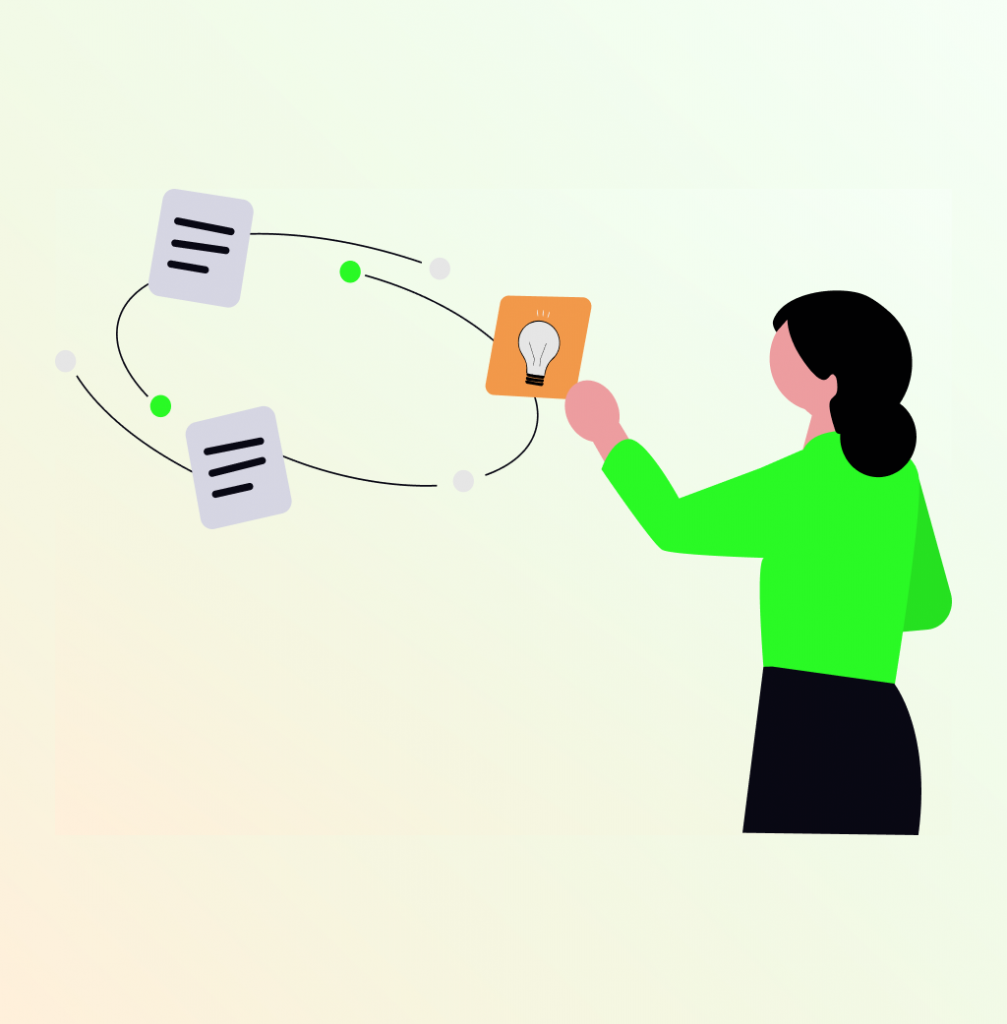
Let’s take a look at one important point. When someone decides to use a service or make a purchase online, the process is not as simple as clicking a button. In reality, there is a complex decision-making process that begins long before the first encounter with a particular company.
User Journey is the entire path from start to finish. And it’s not a straight line from start to finish. Rather, it is a constant search, where a person moves forward, sometimes goes back, compares options, doubts, and seeks confirmation again. It is a visual representation of all the moments when a potential customer encounters a brand, from the first encounter to the purchase and even further interaction.
The most common mistake most companies make is to look at their product exclusively from the inside. Business owners know that their website is user-friendly, the design is well thought out, and the order form works quickly. But customers see a completely different picture. Their experience may begin with panic: they urgently need a web resource for their business because all their competitors have long been online. They start actively searching for information on Google, reading reviews, and consulting with friends. When a visitor finally lands on the page, questions swirl in their head: Are these people really professionals? Is it clear what exactly they offer? How much will it cost? What if the money is wasted?
Every moment of contact with the brand is an important point. The task is to carefully analyze each of them in order to transform a concerned stranger into a confident customer who trusts the brand.
Why does the traditional approach to website creation no longer work?
In the past, many people believed that a website was simply a digital business card that you could create once and then forget about. You created a beautiful home page, added your contact details, posted a product catalog, and you were done. But the reality of the modern internet is much more complex.
Today’s visitors have become much more demanding and savvy. They don’t just look at pretty pictures, they analyze, compare, and seek confirmation of a company’s reliability. They have dozens of alternatives just a click away. If your website does not answer their questions when they arise, if the navigation is unclear, if the information is scattered haphazardly, they will simply move on without a second thought or a second chance.
That is why creating a website should not start with choosing a color scheme or fonts, but with a deep understanding of how potential customers interact with your business. What questions do they have at each stage? What concerns them? And what could stop them from buying? What, on the contrary, gives them confidence and pushes them to make a decision?
The main stages of building a User Journey Map
Creating a user journey map is a real research project that requires attention to detail. You should start by defining the profile of your target audience. It is impossible to analyze the path of an abstract customer. You need a specific profile with characteristics such as age, profession, level of technical knowledge, and main problems. For example, a small business owner with a limited budget and a fear of complex terminology. Or a manager of a medium-sized company who cares about status and image but is desperately short on time.
When creating a profile, it is worth asking yourself a few key questions. What is this person’s level of technical knowledge, do they understand basic web terms, or do they need the simplest explanations possible? What is their experience with online services? And what are the main fears that could prevent them from making a decision, fear of losing money, fear of not understanding the technology, fear of not getting what they expected?
Identify all possible points of contact

You need to list absolutely all channels through which a customer can learn about your company. In the offline world, these can be recommendations at business conferences, articles in industry magazines, mentions in podcasts, and speeches at specialized events. In the digital space, there are even more options: organic search engine results, where high-quality SEO optimization is critical, social networks with user reviews, contextual and targeted advertising, thematic forums and professional communities, email newsletters, reviews on specialized platforms, phone calls, online chats, and face-to-face meetings.
Each of these points of contact shapes the impression of the brand. If a person sees a professional article in a reputable publication but then ends up on an outdated website with unclear information, cognitive dissonance arises. That is why it is important to think about the consistency of the message across all channels.
Reproducing the sequence of stages
First comes the realization of the problem: understanding that the business remains invisible on the Internet and, as a result, potential customers are being lost. Then begins an active search for information: attempts to find out what types of websites exist for different needs, how much development costs, and what is better, creating a website yourself or turning to specialists. The stage of evaluating options begins: comparing offers from different contractors, reading reviews, studying portfolios. Questions arise: is a particular digital agency suitable for this situation?
The home stretch
After that, a decision is made: the person decides to order a website and fills out a form or makes a phone call. But the journey does not end there. Next comes the usage and support stage: questions about technical support after launch, the ability to make changes independently, the need for additional promotion. And the final stage is loyalty building: either the person becomes an advocate for the brand and recommends it to others, or decides never to use it again.
Analysis of actions, thoughts, and emotions at each stage of the User Journey
For each stage, you need to answer three key questions. First, what exactly is the customer doing? For example, clicking on an ad, reading an article about the advantages of different solutions, or filling out a feedback form. It is important to record not only the main actions, but also macro actions: how much time a person spends on each page, which sections they view, where they stop, which buttons they hover over but do not click.
Second, what are they thinking at that moment? They may be concerned about questions such as: is the price reasonable, are there examples of work specifically for the required field, what do the incomprehensible technical terms mean, why are the terms of execution not specified anywhere. These internal questions are often not voiced aloud, but they determine whether a person moves on or closes the page and goes to competitors.
And thirdly, what emotions are they experiencing? It could be initial interest, then confusion, irritation due to incomprehensible terminology, reassurance after communicating with the manager, joy at the quick resolution of the issue, or increased trust. The emotional part is often more important than the rational one, people make purchasing decisions not only based on logic, but also guided by their feelings.
Practical application of User Journey: changing the approach to development
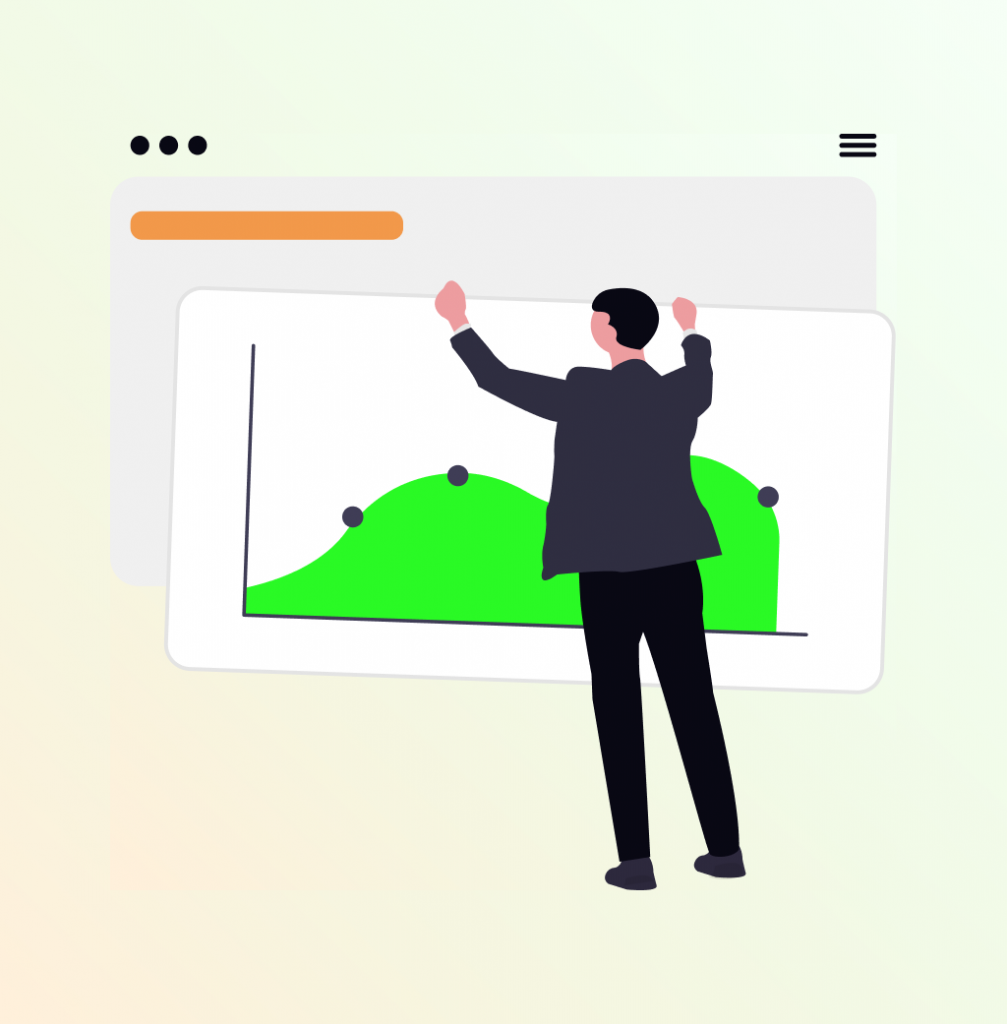
The standard approach when working with a client is to take the technical specifications and create a simple website. But if a journey map is built in advance, it becomes clear that the real goal is not just to get a website, but to build a full-fledged project with multiple clients and orders.
At the initial stage, the conversation should begin as follows. Questions are asked: how do customers see the business at the moment, what are the key propositions, who is the ideal buyer? What are the main objections that arise during sales? We offer not just web development, but a complete solution: the creation of a resource tailored to achieve specific goals, with well-thought-out calls to action, as well as training in the basics of management and initial SEO promotion of the website.
This demonstrates how each element of the website design leads the visitor to the desired action. The conversation transforms from purchasing a website to solving a specific business problem. This increases value and creates more satisfied customers who understand the value of the result.
Setting up effective promotion through understanding the customer journey
Investing in advertising brings traffic, but the number of orders is not growing. A user journey map helps find the reason. A potential customer sees an ad, clicks on it with a question about the cost, and lands on the home page with professional text but no specific pricing information. As a result, the customer is no longer interested in learning more about the company or product.
Website analysis reveals the bottleneck. A clear section is added with examples of service packages and specific indicative prices. There is also an understanding that SEO optimization is not only technical work, but also the creation of useful content that answers real questions. A detailed article is published on the real cost of development, broken down by component.
Now visitors see price transparency, find a package within their budget, and understand what they are paying for. Conversion increases because the need for information is satisfied. Such transparency builds trust, if a company is not afraid to show prices, it means it has something to offer.
In addition, advertising campaigns can be optimized based on the journey map. Create separate landing pages for different stages: for those who are just exploring the topic and for those who are already comparing specific offers. This will allow you to address each audience segment more specifically and increase customer confidence in your product.
Identifying and eliminating gaps in the user journey
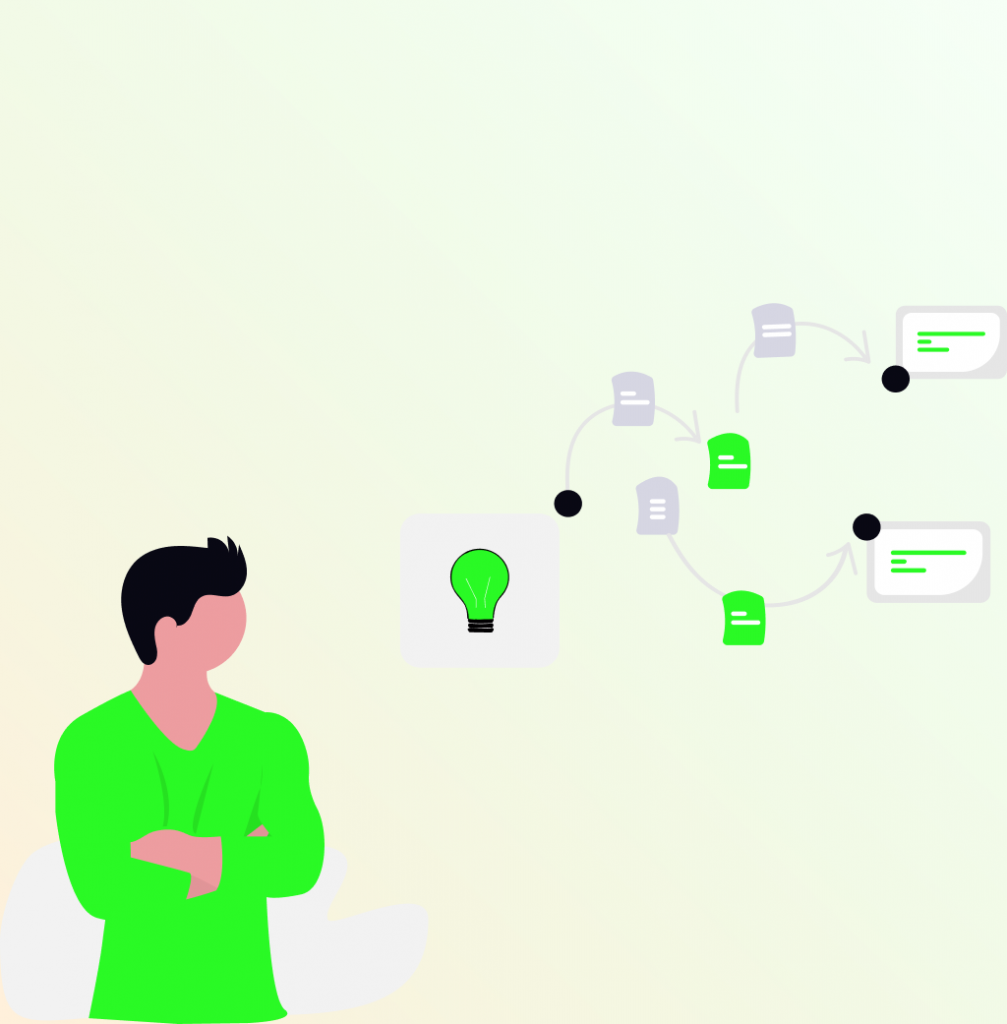
Detailed analysis often shows that the problem is not the number of visitors, but what happens on the resource itself. A visitor searches for information, finds a useful article on a blog, and wants to learn more about the services. But there is no clear transition to the portfolio or a detailed description of the services on the main page. The visitor loses the logical thread and goes to competitors.
The journey map shows the gap between the information gathering stage and the portfolio discovery stage. The solution is to add relevant links to specific works at the end of each article. You can go further and create logical content chains where each article naturally leads to the next step in the decision-making process. This significantly increases the depth of viewing and conversion.
Working with the post-purchase stage
Most companies stop once the project ships. The client pays, receives their deliverables, and that’s the end of contact. This leaves money on the table. Consider what happens in the weeks after project completion. The client struggles with basic site management, can’t figure out how to update content, and eventually hires someone else for modifications they could have requested from you.
Start with practical onboarding. Send documentation that addresses the three questions clients ask most often. Schedule one follow-up call within the first two weeks to troubleshoot problems while they’re still fresh. Track which clients come back for additional work and which don’t. The pattern usually reveals whether your handoff process actually works.
Some clients will become repeat customers regardless of your post-purchase process. Others were never going to return. Focus on the middle group, those who had a good experience but need a reason to think of you again. A quarterly check-in email asking about their business goals costs nothing and keeps the relationship active. The site was never the end goal anyway. It was supposed to help them grow their business, and you can be part of that growth.
Integrating User Journey analysis into daily work

It is best to start with something small and specific. There is no need to build a complex scheme for all types of customers at once. Select the most important audience profile and trace the simplest path, from the first contact to submitting an application.
Collect information from all available sources. Google Analytics for behavior analysis, customer surveys after project completion, feedback from the sales department. Organize a joint working session with different departments. The marketer talks about the channels of attraction, the designer points out the complexities of the interface, and the manager shares the real fears of customers. Together, an objective picture is created.
The most problematic points are identified and priorities are set. Places where customers stop or leave the resource are found. Don’t try to fix everything at once. Start with the areas that have the greatest impact on conversion. After making changes, observe the impact on user behavior. A journey map is a living organism that needs to be updated regularly.
How to choose the right tool for visualizing a User Journey Map?
When you start working on a user journey map, the question immediately arises: which tool should you use? Understanding the methodology is only part of the success. The other part is finding a digital solution that will bring your ideas to life and ensure convenient collaboration for the entire team. Today, there is a huge selection, but what really works in practice?
Let’s break down the tools according to the tasks they perform best.
Tools for teamwork
When you need to hold a session with your team, client, or stakeholders, real-time visual collaboration platforms are the most suitable.
- Miro and Mural are the market leaders. They offer unlimited workspace, dozens of ready-made templates for Customer Journey Maps, convenient stickers, and drawing tools. Their main advantage is the ability to work together, even when the team is scattered across different cities or countries. There are built-in timers for exercises and voting functions, which greatly simplifies the work of workshop teams and quick decision-making.
- FigmaJam is suitable for teams that already work in Figma. It combines the convenience of collaborative work with the ability to directly integrate the map into the main design file. There is no need to switch between different programs, everything remains in one ecosystem, which saves time and preserves the context of the work.
Platforms for detailed analytics
Sometimes you need to do more than just sketch out a diagram on a board; you need to create a full-fledged structured document for in-depth analysis.
- UXPressia is a specialized platform with a ready-made structure for maps. It already has sections for describing personas, journey stages, emotional curves, touchpoints, and communication channels. The result is detailed and professionally designed, which is important for client presentations. The platform has a free plan, so you can try it out without any financial investment.
- Smaply works similarly, but is more focused on service design. In addition to journey maps, you can build stakeholder maps and system diagrams, which gives a more comprehensive understanding of the customer experience. This is useful when you need to see the whole picture, not just one fragment of it.
Versatile diagramming solutions
When you need maximum flexibility or are already working in a specific tool, you can use classic diagramming software.
- Lucidchart is a professional tool for building all types of diagrams and flows. It has a large library of shapes and templates, including templates for Customer Journey Maps. It is well suited for large organizations where document standardization and corporate style compliance are important.
- Draw.io (also known as Diagrams.net) is a completely free, open-source tool. It offers virtually unlimited possibilities for creating complex maps. It integrates with Google Drive and other cloud storage services, making it convenient and accessible from any device.
How to make a choice?
Here is a quick guide to help you decide:
- Need a team session to generate ideas? Miro or Mural are the best choices.
- Does your team work in Figma and want to stay in a familiar environment? Then FigmaJam will be the most convenient.
- Are you preparing a detailed report for a client or management? UXPressia will help you create a professional document.
- Are you on a tight budget but need serious functionality? Draw.io will solve this problem.
The main principle is this: the tool should serve your purpose, not the other way around. First, determine why you need a user journey map and what exactly you want on it.
Instead of a conclusion: from technical solutions to understanding people
When you delve into the stages of creating a website, from the initial idea to launch, it’s easy to get caught up in the technical aspects. But website design and technical perfection are only part of the success. It is even more important to remember how to create a space for dialogue with real people who come with their own problems and expectations.
The User Journey Map is the most powerful tool for listening to customers. It transforms abstract traffic figures into understandable human stories. It demonstrates that true website promotion and project success do not begin with technical solutions, but with empathy and understanding of needs. This applies not only to complex projects. Even when working with ready-made website templates, customization should be based on an understanding of the needs of a specific audience.
Therefore, before starting the stages of website creation or relaunch, it is worth putting yourself in the shoes of the person for whom everything is being created. Go all the way from start to finish. Feel the doubts, fears, and moments of joy. In the digital world, it is not the one who speaks louder who wins, but the one who listens better and builds real connections
Would you like to order a website? Our specialists have extensive experience and understanding of all the important factors. Please contact us. We are the SELECTOR.SPACE team, and we will be happy to help you and provide advice. More interesting publications can be found on our blog. You can contact our digital agency by calling 066 389 02 24, 096 81 00 132 or by emailing office@selector.space.
You can also follow us on Instagram, Facebook, TikTok, YouTube, and Pinterest.