


SVG (Scalable Vector Graphics) is a format that changed the perception and approach to working with graphics on websites. This format has unique properties that ensure high-quality images on any device, which is very important nowadays. SVG’s unique properties also include the ability to create animations that improve user interaction. SVG’s scalability isn’t the only reason web developers use it, it’s also its ease of editing and interactivity.
Animation is a powerful tool that significantly improves the user experience and makes the site more attractive and interactive. In this article, we want to tell you five methods of SVG animation, so that every web developer should have them in his arsenal. It’s important to note that these five methods cover both simple CSS effects and more complex approaches that use JavaScript.
1. CSS Animations

One of the most accessible and popular ways to animate SVG is CSS animation. We are talking about various animation effects, from the simplest color change to complex transformations. We would like to note that CSS animations are well-supported by all modern browsers and are characterized by high performance.
Ease of use of CSS animations is one of the key benefits. Web developers have the ability to quickly create basic animation effects while using a minimal amount of code. If you need to add animation to your site with minimal investment of time, then CSS will be an ideal option.
CSS animations are also integrated directly into the page style, which in turn simplifies their maintenance and replacement. This factor is of great importance for large-scale projects, where the leading factors of successful development are the simplicity and comprehensibility of the code.
Advantages and disadvantages
Using CSS to animate SVG has both advantages and limitations. Ease of use is one of the main advantages. To create a basic CSS animation, it is well-suited, for example, to change the color or make simple transformations. High performance will be ensured because the processing of animations takes place in the browser, and which in turn reduces the load on the server and the client part of the site.
However, limitations in CSS are also present. Creating more complex animations requires detailed control over every aspect of the movement, which can be more difficult to implement if you use only CSS. In this case, there is a need to use additional tools, for example, JavaScript or specialized libraries for animations.
An example of CSS animation
@keyframes example {
  from {transform: scale(1);}
  to {transform: scale(1.5);}
}

#animatedElement {
  animation-name: example;
  animation-duration: 2s;
  animation-iteration-count: infinite;
}
2. GreenSock library (GSAP) and JavaScript
JavaScript and highly specialized libraries will help you with more complex animations — the ones that require a high level of specialization. GreenSock Animation Platform (GSAP) is one of the most powerful libraries for SVG animation. Advanced capabilities for creating complex animations, including work with temporary slags, synchronization of several animation elements, and combinations of various effects, are provided by GSAP.
Smooth animation and high performance, even in the case of complex effects, will not be a problem because GSAP will provide a solution for them. This library is a universal tool for developers. It allows you to create animations on all modern browsers, including mobile devices.
Advantages and disadvantages
Flexibility is one of the key advantages of GSAP. With GSAP, you can create animations with a high level of detail. This opens the way for you to realize exceptional ideas. Almost any property of SVG elements can be animated thanks to GSAP. This list includes bid, transparency, size, color and more.
Beginner developers may face difficulties, as GSAP requires a certain level of knowledge of JavaScript. Also, if you do not optimize the use of resources, the need to connect an additional library can increase the time spent on the page loading process.
An example of GSAP animations
gsap.to("#animatedElement", {duration: 2, scale: 1.5, repeat: -1, yoyo: true}); 3. SMIL (Synchronized Multimedia Integration Language)

One of the oldest SVG animation methods is SMIL (Synchronized Multimedia Integration). With it, you can animate SVG without using CSS or JavaScript. This makes it an automatic solution in the process of creating animations inside SVG files.
SMIL was in great demand and popularity before more modern solutions and methods in animation appeared, namely CSS and JavaScript. In modern browsers, support for SMIL is decreasing, but it does not lose its usefulness in creating complex animations. We are talking about those cases where you need to maintain compatibility with legacy systems.
Advantages and disadvantages
Automaticity is the key advantage of SMIL. The animations you create are directly saved in an SVG file. This factor makes them easy to use and not dependent on external styles or scripts. It can be useful for small projects or when you want to ensure maximum compatibility between different systems.
However, it is worth noting that SMIL has certain limitations. In modern browsers, SMIL support is limited, and it will not provide the flexibility and performance that, for example, CSS and JavaScript provide. It is for this reason that numerous developers are gradually abandoning the use of SMIL, preferring more modern options.
An example of SMIL animations
<circle cx="50" cy="50" r="40">
  <animate attributeName="r" from="40" to="20" dur="2s" repeatCount="indefinite" />
</circle>
4. Web Animations API (WAAPI)
The Web Animations API (WAAPI) is a modern interface for creating animations in browsers. Combining the benefits of JavaScript and the Web Animations API (WAAPI), it’s a modern interface for creating animations in browsers. The benefits of JavaScript and CSS in one product give developers more flexibility and precise control over animations. High performance and compatibility with modern browsers are characteristic features of WAAPI, because thanks to this API, you can create complex animations using JavaScript.
You can animate any CSS property using WAAPI. The Web Animations API also supports animation of SVG attributes. This makes it a versatile tool for web developers. The API is a component of modern browsers, so it is gradually becoming the standard for creating animations on web pages.
Advantages and disadvantages
Integration with browsers at a low level, which ensures high performance of animations, is one of the main advantages of WAAPI. Advanced options for controlling animations, including managing timelines, animation priorities, and other aspects of the API, are provided to the user. These factors make it a powerful tool for creating complex effects in the field of development.
No matter how well-thought-out WAAPI is, there are still limitations. While CSS has a simpler syntax, APPI has a more complex syntax and requires a higher level of JavaScript knowledge. Some older browsers may also cause difficulties, as WAAPI may not be supported in them. For developers, this can be a problem, especially for those who work with projects aimed at a wide audience.
An example of animation using the Web Animations API
document.getElementById("animatedElement").animate([
  { transform: 'scale(1)' },
  { transform: 'scale(1.5)' }
], {
  duration: 2000,
  iterations: Infinity
});
5. Animation using SVG attributes
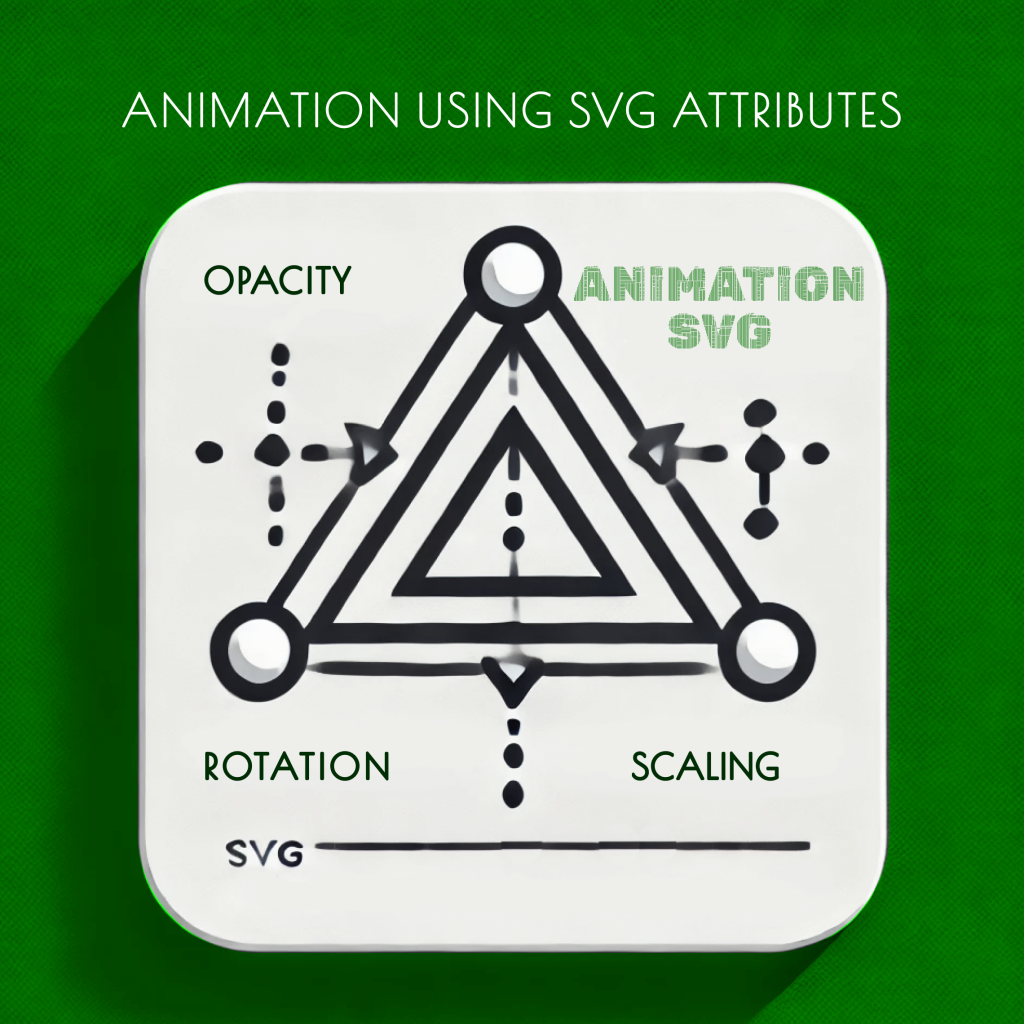
Animation using SVG attributes is the last method on our list. You can create animation effects without using external styles or scripts using, SVG attributes. This method is suitable for light animations that should work on all platforms and do not require complex implementation.
Transform, opacity, and stroke-dash arrays are properties that allow you to animate SVG attributes. This makes it possible to create simple but effective animations. When you need to minimize dependence on external resources and ensure maximum compatibility with different browsers and platforms, this approach will perfectly fulfill its tasks.
Advantages and disadvantages
Simplicity and versatility are the main advantages of this method. You won’t need additional libraries or styles because animations created using SVG attributes simplify their integration into projects. Good support by all modern browsers is another advantage, because when working with simple animations, this method is a reliable option.
However, don’t forget the limitations of SVG attributes. If the level of control and flexibility available with CSS or JavaScript is good, then this method is only suitable for basic animations. Developers are forced to use other tools if they need complex animations, because this method will not work.
An example of using SVG attributes
<svg width="100" height="100">
  <rect width="100" height="100" fill="blue">
    <animate attributeName="opacity" from="1" to="0.1" dur="2s" repeatCount="indefinite" />
  </rect>
</svg>
Conclusion regarding SVG animation
Animation of SVG images opens the way to unlimited possibilities and implementation of creative ideas for web developers. This is the creation of dynamic, interactive elements that will definitely improve the user experience. The use of CSS, JavaScript (GSAP), SMIL, Web Animations API and SVG-attributes opens the way to choosing the optimal approach in the development of any project, guaranteeing high performance and adaptability.
A web developer whose goal is to create modern, effective and attractive websites must have knowledge of these five methods. The best results will be if the web developer knows how to make the right choice, whether it is implementing a simple animation to improve the UX or creating a complex animated interface.
SVG animations from SELECTOR.SPACE
SELECTOR.SPACE web developers are skilled specialists who have all the skills and knowledge at the highest level. We regularly publish relevant articles on our blog. Our company has been developing websites for over 5 years and has considerable experience in this field. We also offer ready-made solutions. You can find all the information on our website. We will be happy to advise you at 066 389 02 24, 096 81 00 132 or office@selector.space. The success of your site is our priority.