


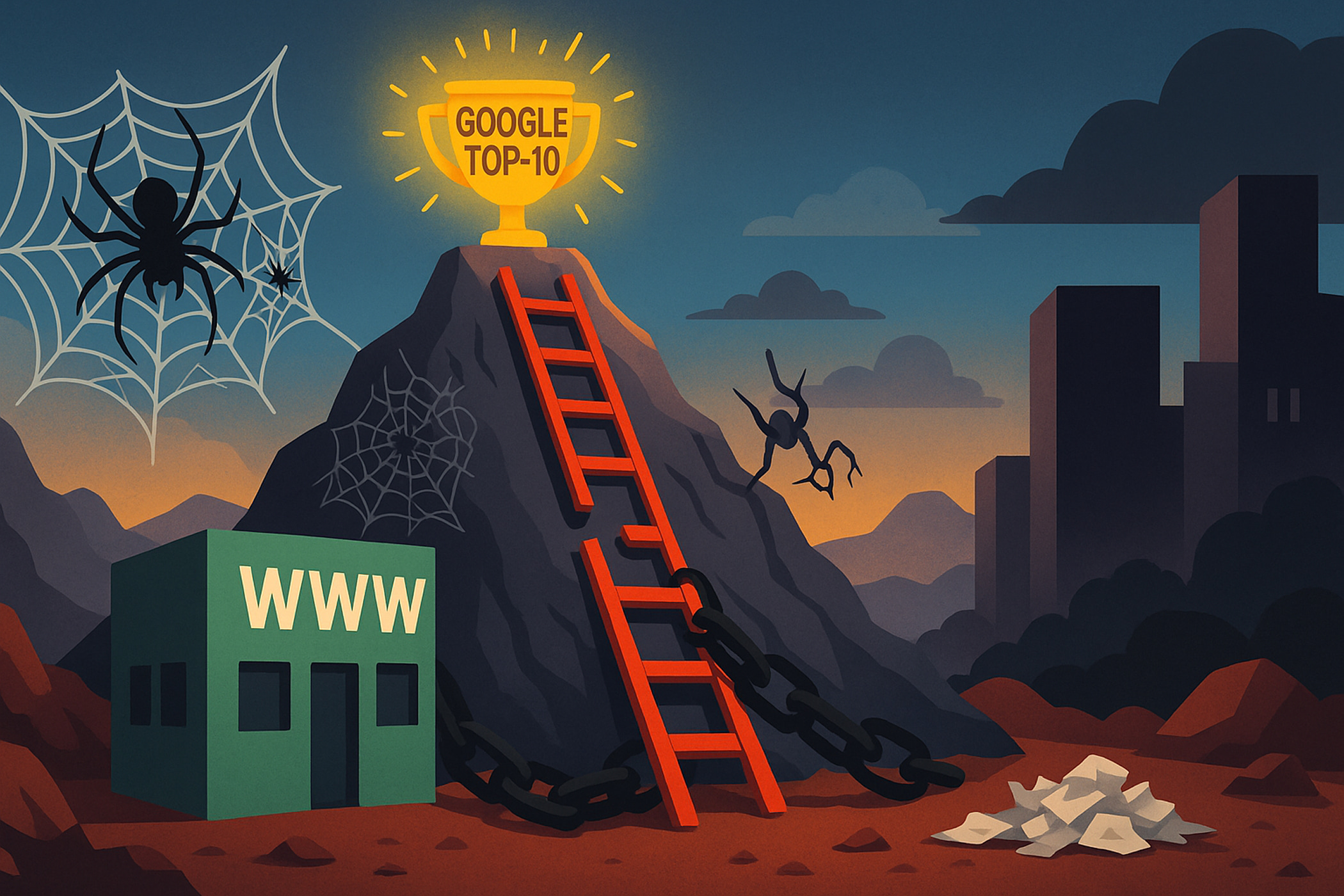
It takes more than just ordering SEO promotion to guarantee that a website makes it to the Google TOP-10. You must get rid of five typical errors, which range from subpar web design and user carelessness to technical confusion and an unorganized strategy. The first step in creating a successful online presence that regularly produces leads is acknowledging these flaws.
Companies spend a lot of money on web development, but they often forget the most important thing: a website should look good and be easy to use. It should work like a salesperson who is always available to bring in customers. But for this to happen, you need to avoid making mistakes that make your project show up far down in search results.
Today, we’ll look at the top five. This is more than just a list; it includes a full analysis with specific action plans and examples.
1st mistake: not thinking about why you are looking

Imagine this scene. A customer walks into a bookstore and says, “I need a book on gardening for beginners.” Instead of showing them to the right shelf, the salesperson starts talking excitedly about the store’s history, its beautiful wallpaper, and how long they’ve been in business. You do know that the customer will lose interest quickly, right?
Google works similarly. Every search term is a goal. When someone searches for “buy a website,” they are ready to buy one. When someone searches for “steps to creating a website,” they are in the research stage. You need to respond to that right away.
What does it mean to be in Google TOP-10?
Search engines are a lot smarter than they used to be. Once people click on your page, they look at how they use it. Google thinks that “this page did not respond to the user’s query” if users “bounce” back to the search results right away. And slowly loses its rank. Your 20 years of experience and beautiful website design are useless if they don’t answer a specific question.
How can it be fixed?
- Examine the top ten rival websites in detail. Don’t just look at them superficially. Go through their texts. Which words do they use? What kind of structure do they employ? What details are included in the opening paragraphs? Do they inform or sell?
- Sort your pages into different categories. Typically, the main page answers common questions. Questions like “buy a business card website” are covered by category pages. Specific questions are answered on product or service pages. Every page type ought to be appropriate for its intended use.
- While writing for readers, keep SEO in mind. Answer the question at the beginning of the text. Not given the history of the business. “Expert iPhone 11 repair in Kyiv with a warranty” should be the response to the question “iPhone 11 repair.” In two hours, replace the screen, battery, and connector. It starts at 500 UAH. The details will follow.
Keep in mind that SEO optimization is primarily the art of knowing what your target audience is looking for. Above all, your website serves as a tool to fulfill their needs.
2nd mistake: a website that resembles a museum exhibit prevents it from reaching the Google TOP-10

Imagine a magazine where the news was last updated two years ago. Would you read it? Probably not. Many businesses treat their websites in exactly this way. Web development is complete, texts are written, the project is launched, and it freezes in time. But the internet is a living organism. Google prefers websites that are constantly growing and updating.
Fresh, high-quality content is a signal to the search engine about your relevance and expertise. This is not just “writing something for the sake of it.” It is a strategy.
Why is this critical for ranking in Google TOP-10?
- Outdated information: you offer a service that no longer exists. Or you list old prices. This negatively affects the trust of both users and robots.
- Lack of progress: Google sees that the website is not developing. Competitors who regularly publish new articles, update their portfolios, and add case studies look superior.
- Loss of opportunities: a blog or section with useful materials is a gold mine for new traffic. You are not using thousands of long-tail queries that could bring you customers.
How to fix it?
- Answer your customers’ questions. Do you work in B2B? Write a detailed guide on “How to choose a digital agency for your business.” Planning to create an online store? Create product reviews, comparisons, and instructions for use. This is true SEO promotion for your website.
- Analyze your competitors. See what your high-ranking competitors are writing about on their websites. This will give you lots of ideas.
- Showcase your successes. Regularly update your portfolio and publish case studies of successful projects. This is not only content, but also a powerful tool for lead generation. Show that you don’t just talk, you take action.
- Determine the frequency. Even one high-quality article per week or two per month is much better than nothing. Consistency is the key to success.
Promoting websites through content is a marathon, not a sprint. But the result will be stable organic traffic that does not depend on your advertising budget.
3rd mistake: aesthetics at the expense of site speed prevents you from getting into Google TOP-10

In a world where time is the most valuable resource, site loading speed has become a critical factor. Imagine that you walk into a store and the door takes 10 seconds to open. Will you wait? Most likely, you will move on.
It’s the same story with websites. The standard is considered to be a load time of 2-3 seconds. If your page takes longer to load, users simply won’t wait. And Google takes note of this: a high percentage of immediate bounces is a direct signal to lower your ranking.
Why might a website be slow?
- “Heavy” media files: huge, full-resolution images that have not been optimized for the web are the main enemy of speed.
- Overly complex website design: an excessive amount of animations, slides, and complex effects that overload the user’s browser.
- Code quality: using outdated website templates with inefficient, “bloated” code can significantly slow down loading.
- Cheap hosting: saving on hosting is a classic mistake. A slow server = a slow website, even if everything else is perfect.
- Lots of third-party scripts: all those social media widgets, chatbots, visitor counters — each of these scripts makes your site heavier.
How to fix it?
- Check. Use free tools: Google PageSpeed Insights, GTmetrix. They will provide a detailed report with specific recommendations on what to improve and how.
- Image optimization. Be sure to compress all images before uploading. Use modern formats such as WebP.
- Caching. Set up caching on the server. This will allow repeat visitors to load the site instantly.
- Evaluate your hosting. If you are using cheap shared hosting, consider upgrading to VPS or higher-level hosting.
- Get rid of the unnecessary. Remove unnecessary plugins, widgets, and scripts that are not used.
SEO optimization is, to a large extent, technical work. Without a fast site, all your content efforts may go to waste.
4th mistake: ignoring mobile devices
This is probably one of the biggest mistakes. The statistics leave no doubt: mobile searches have long since surpassed desktop searches. If you only view your website on a large monitor, you are only seeing half the picture.
Website adaptability is not just a “nice option.” It is a mandatory requirement. Since 2019, Google has been using a mobile-first indexing robot. This means that the system evaluates and ranks how your web page looks and works on a smartphone.
What constitutes a poor mobile version for Google TOP-10?
- Text that needs to be stretched to read.
- Buttons that are too close to each other, making it impossible to hit the right one with your finger.
- Blocks that overlap each other.
- Slow loading speed on mobile networks.
- No ability to call or write in one click.
How to fix it?
- Test it on your phone. First, open your website on different devices. Browse through it as if you were a customer. Place an order or fill out a feedback form. Is everything convenient?
- Use developer tools. Browsers have a mobile device emulation mode. This allows you to quickly check how the site looks on screens of different sizes.
- Prioritize mobile. When developing a new site or redesigning an existing one, discuss the site design with specialists from the perspective of a mobile user. Modern approaches (Mobile-First) involve designing for small screens first, and then adapting for larger ones.
- Check with Google. The Google Search Console tool has a “Mobile-Friendly Test” option that will pinpoint any problems.
Don’t forget: your customer may find you while waiting in line, in a café, or on public transport. And their experience interacting with your website in this situation determines whether they will become your customer or not.
5th mistake: lack of a strategy to get into Google TOP-10
This mistake is the most global. It combines all the previous ones. Many entrepreneurs believe that you can just order a website, do a little “SEO,” and traffic will come on its own. But successful website promotion is a complex, multi-stage, and continuous process.
Why does it work?

Effectiveness depends on the synergy of all components:
- Technical part: speed, correct display, absence of errors.
- Content: relevance to queries, quality, usefulness.
- External factors: links from authoritative sources, mentions in the media.
- User experience (UX): ease of navigation, site logic.
If you fix the speed but ignore the content, there will be no result. If you write great articles, but the site is broken on mobile devices, there will be no result.
How to fix it?
- Set smart goals. What does “success” mean to you in 6 months? “Getting into the TOP-10” is a vague goal. “Attracting 50 applications through the feedback form from organic search in 6 months” is a specific goal.
- Conduct a full audit. Evaluate your website on all the points described above. Record all problems.
- Make a plan of action. Prioritize the solutions to the problems. First, critical errors (reconfigured website adaptability, very slow loading), then strategic tasks (content plan, work on the structure).
- Review the results. Install Google Analytics and Search Console. Analyze which pages bring traffic, which queries lead to you, and how users behave.
- Don’t be afraid to delegate. Comprehensive SEO website promotion is a professional job that requires in-depth knowledge. If you don’t have an in-house specialist, turning to a reliable digital agency is not an expense but an investment. Specialists will conduct an in-depth analysis of websites, develop a strategy, and implement it, freeing up your time to run your business.
Conclusion: the path to Google TOP-10 starts today
Working on a website is not a one-time project, but part of a business’s operational activities. Regardless of the type of website you choose for yourself, from a landing page to a large-scale portal, the principles remain the same.
Your website is a living organism that needs care, nourishment (content), and regular review (audit). Recognizing these five mistakes is already a big step forward. Start small: choose one problem, the most critical one, and solve it this week. Then move on to the next one.
The road to the first page of Google may seem long, but every flaw you fix brings you closer to your goal. The main thing is to move forward systematically and consistently.
Want to order a website? Our specialists have extensive experience and understanding of all the important factors. Contact us. We are the SELECTOR.SPACE team, and we will be happy to help and advise you. More interesting publications can be found on our blog. You can contact our digital agency by calling 066 389 02 24, 096 81 00 132 or by emailing office@selector.space.
You can also follow us on Instagram, Facebook, TikTok, YouTube, and Pinterest.